Parking and access
Dubai Creek Harbour parking and access: the arrival chain in real life
A correct pin on a map and a calm evening visit are not the same thing. In Dubai Creek Harbour, guests, drivers, and new residents often hit the same small gaps: the right district but the wrong turn, the right tower name but the wrong lobby side, a parking level that does not line up in your head with the door you use every day — not because the system is broken, but because access is a chain and one weak link is a five-minute phone call in the sun.
Get building-specific access tips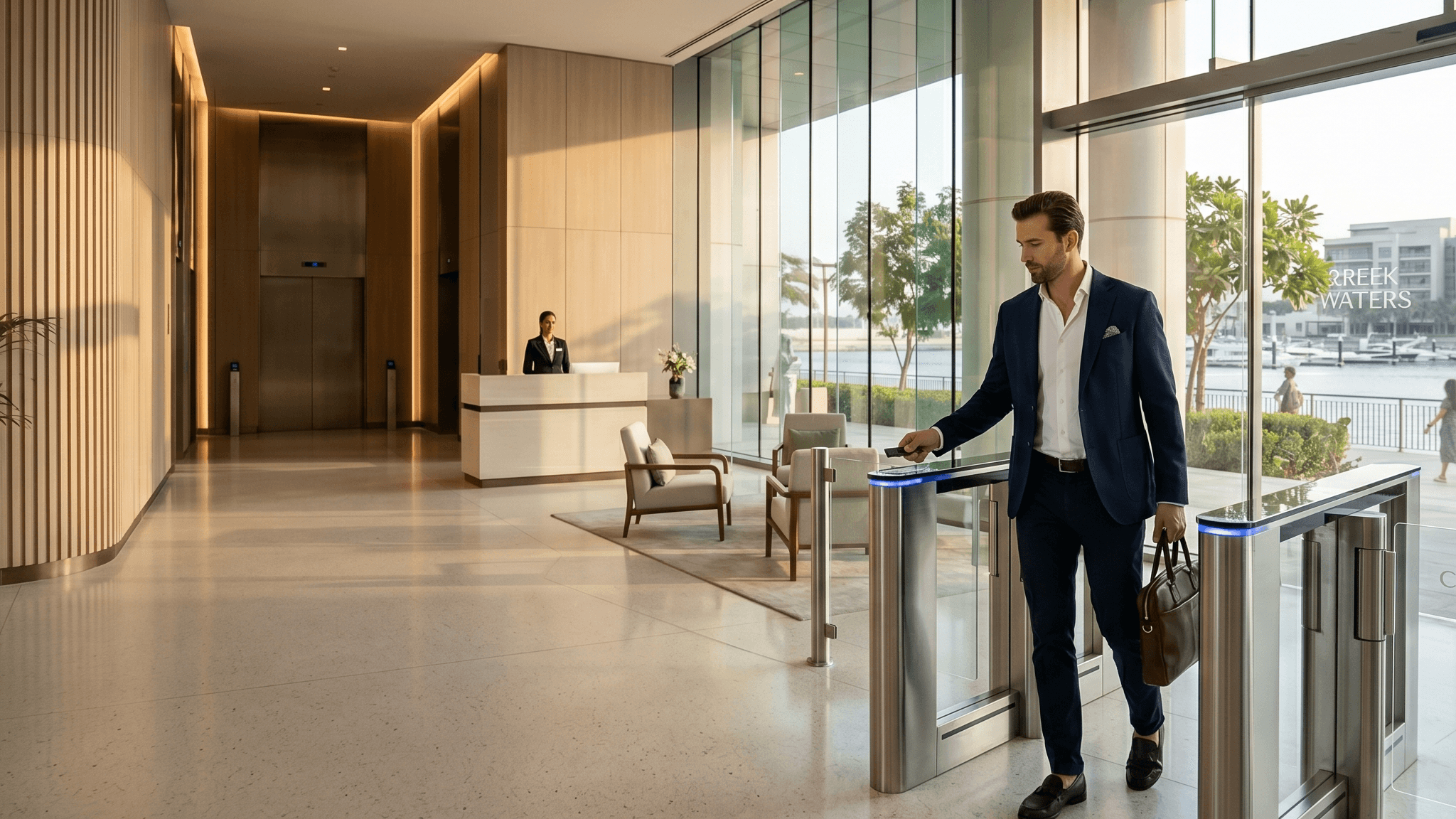
The scenes below are ordinary. The pattern is: parking, entrance, desk, and lift are each a step, and in some buildings they do not feel like a single straight line the first time you do them.
This guide names what usually happens, what tends to confuse people, and what to give a visitor before they sit in a car. Your desk notice or your floor beat any blog when the detail is tower-specific — check with your security or concierge when it matters for safety or access.
Scenes that sound familiar
A guest texts “I am here” — the app says Dubai Creek Harbour; they are at a barrier or lobby that is plausible on a map but not the door you use. You walk them through three turns in voice notes while a queue forms behind their car.
A food driver or friend is at the “wrong” gate — same cluster name, different barrier or service vs. residents' route. The GPS tick is in the right postcode; the entrance story is not.
You live there for a month and still use a side pod or basement habit the viewing agent never showed, because your parking, rubbish, and daily path trained you — then you give a first-time guest directions to the “main” lobby and they are lost.
The visitor is “right” on paper and still on the intercom, because the building’s front door, the intercom, and the pin do not line up the way a visitor imagines. Nobody is failing on purpose; the handover is serial, not one screen.
Mental line vs. real line — in your head, “I drove in and went up” is one move. In practice, parking → who opens which door → which lift is three decisions; when one is off, the whole visit feels flustered.
How access actually works in most buildings
This is a rough flow, not a promise that your tower does every step the same way. It is the shape of the day most people eventually learn to walk through:
- Outer or community access — sometimes a community gate, sometimes a first barrier or sweep past retail; in some areas you and a visitor may use different first moves.
- Building entrance — glass doors, a canopy, a side lobby; what looks “obvious” from a car may be the one your guest drives past first.
- Lobby / security / desk — sign-in, name, ID, or plate: whatever your desk needs this week for a non-resident.
- Lift — service vs. passenger, or a card that only works for residents; a visitor may need you, the desk, or a temp pass.
- Apartment — the last door; intercom, key handoff, or meet in the lobby — depends on your building and sometimes on time of day.
If one of these is unclear, the whole visit feels like chaos even when the building is run normally. Details vary by tower; the chain idea does not.
The most common confusion points
These show up in chats and in car parks not because people are careless, but because a master plan has more than one mouth:
- Parking entrance vs. “main” pedestrian entrance — a guest finds visitor bays but not the lift to your line; a rider stops at a kerb the desk does not use for handoff.
- More than one tower in one visual cluster — a name is half-right; the driver is one podium away, which looks like the same place from a moving car.
- Similar building names — the same “Creek” in two signs; voice notes repeat letters until someone does a u-turn.
- Residents vs. visitors — a path you can drive every day (registered plate, fob) is not automatically the path for a one-off guest; a different rule, line, or plate entry often applies.
- Security needs a detail the visitor does not carry — apartment number phrasing, a booking name, a QR that was created for someone else. The fix is you and the guest agreeing before they reach the mic.
- Driver or guest on the wrong side of the plan — waterfront face vs. road face; “behind the tower” in speech does not match “behind” on a map. One landmark sentence from you usually beats a new pin.
Resident: what to sort for yourself early
Parking: which bay, which card or plate registration, and whether guest overflow has a plan B. Fobs and lift: which reader opens which floor, and who to call on a night something fails. One dry run from car to front door in week one is cheaper than improvising in front of a tired relative.
What to tell a visitor before they arrive
Copy this list into a note; tick what your building actually uses, then keep a version you can paste into chat:
- Which entrance — a name on the sign, a colour, a shop next door, “not the hotel / retail drop,” whatever matches how your desk refers to it.
- What to say at security — your name, unit, whether they are expected, whether a plate was pre-registered if that is a thing in your line.
- Whether they can park, where, and for how long — or “text when you are kerbside, there is no guest bay at rush.”
- Whether you meet in the lobby or they can go up — a sentence beats an argument with the intercom: “I will be in the … lobby / I will call the lift for you from upstairs.”
- One plain description of where the building sits — the turn after a roundabout, a logo they can see from the car, a wrong exit to avoid.
- A saved block you can paste (edit the square brackets before sending): “[Tower as on the sign] — use the [entrance] not [other]. If security asks, you are visiting [name], unit […]. [Park in … / I will meet you at …]. I am not always reachable the second you arrive, so this is the right door.”
The first visitor test
When you are new — or you have been using the back route so long you forgot how a stranger feels — do a small rehearsal with someone who is allowed to be blunt:
- Ask them to use only the instructions a real guest would have (the same text you will send a cousin next month).
- Watch where the car or taxi actually stops, what the desk said, and where the lift let them out.
- If something failed, fix the words, not your guest’s map skills — one extra sentence (barrier, side, “after the blue sign”) is usually the patch.
- Save that block in your notes and in a favourite chat thread so the next visit is a paste, not a renegotiation on the phone.
A dry run is boring on purpose. The goal is a boring first real visit too.
Drivers, couriers, and the service route
Food and parcels follow a similar chain with different rules. Many drivers are asked to a kerb, not a bay; many couriers use the desk, not your corridor. For large jobs (furniture, AC crew), in some buildings the path is service lift and time slot — confirm with the desk, not a generic DCH post online.
What a public page cannot name for your tower
This page cannot set your desk hours, this month’s guest rule, or whether a specific barrier is on test mode. That is the layer neighbours and staff on your route know today.
ourcreekharbour.com is a place where verified residents can compare notes on actual access stories for actual buildings — not a guarantee the next visit is seamless. If you need that layer, get building-specific access tips from people in your part of the Creek when it fits.
For verified residents
Want building-specific answers?
The public guide gives orientation. The verified resident app keeps the live neighbour details private, current and useful.
Get resident guidance